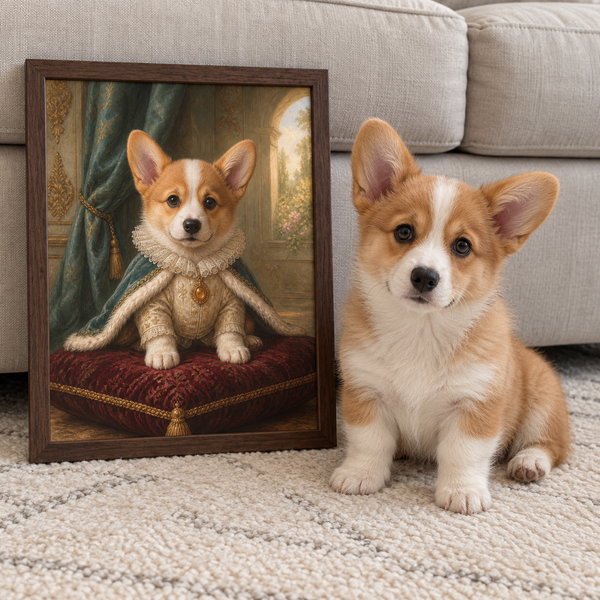
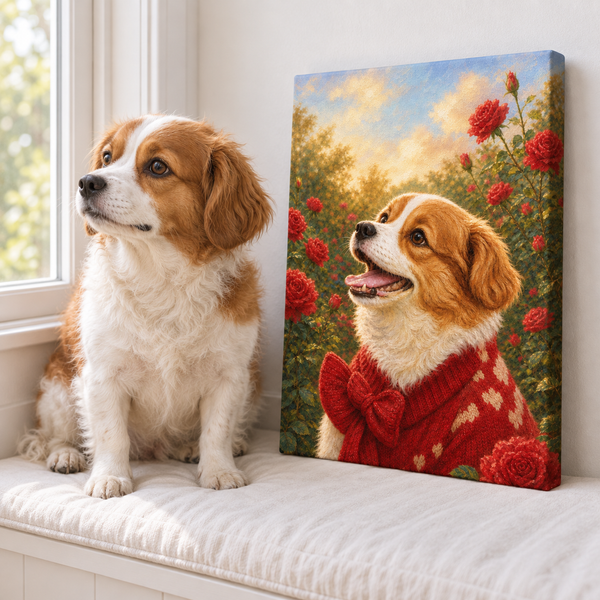
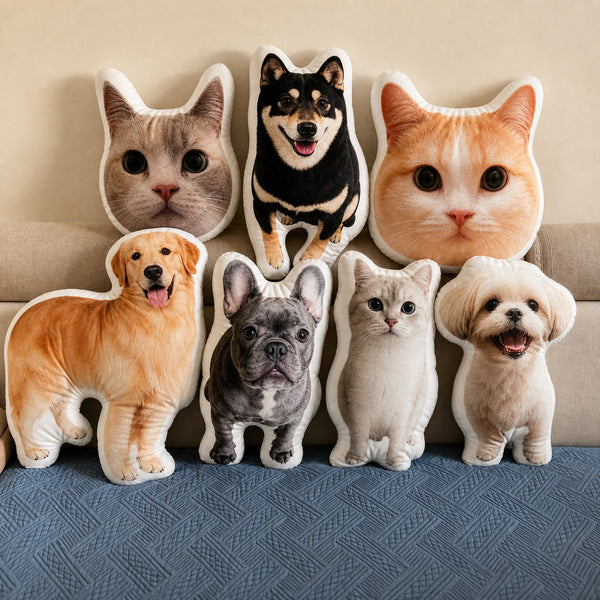

A tiny version of your dog’s expectant face on a notebook can be enough to make an everyday object feel familiar. That is the appeal of a pet photo sticker: a recognizable expression in a small format you can use, share, or tuck into a card.
So, what are pet stickers? The term can describe animal-themed decorative stickers, digital images shared in messages, or physical adhesive stickers made from a particular pet’s photo or illustration. This guide focuses on that last kind. You supply or create an image, choose a shape and size, and have it printed on an adhesive material suitable for its intended surface.
The image, the cut, and the material are separate decisions. Working through them in that order helps you avoid a lovely preview that becomes an unreadable little face or a sticker that does not suit the object you had in mind.
Give the sticker one clear job
Start with where the sticker will go. A journal cover, an envelope, and a water bottle face different amounts of handling and moisture. Decide the use before choosing a finish based only on how it looks in a photograph.
For an envelope, you might want a small face that acts as a cheerful detail. For a notebook, you might prefer a larger portrait you can recognize across a desk. If the sticker is a gift, leave it on its backing so the recipient can choose where to place it.
Check that you are looking at a physical product rather than a downloadable file. A digital design may still require a printer, compatible adhesive sheets, and a cutting method. A messaging sticker stays on screen. Listings should make the deliverable clear, but a quick check saves a surprisingly easy mix-up.
If your main aim is to display a favorite photo at home, browse our dog photo display ideas as well. A small sticker is one creative use for an image; a framed photograph or wall portrait may suit a different kind of keepsake.
Choose a photo that still reads when it is small
Look for a clear face, visible eyes, and an expression you recognize immediately. Start with the original photo file when possible. A screenshot of a social post may include less useful detail and more surrounding clutter than the image saved on your phone.
Try a simple exercise before editing: shrink a copy on screen until the pet’s face is roughly the size you expect to print. Can you still recognize the eyes and mouth? Does a distinctive ear or coat marking remain visible? If the answer is uncertain, compare a closer photograph rather than immediately applying a stronger filter.
Keep the original untouched while experimenting with crops. A head-only design and a full-body design can use the same source, but they need different amounts of space around the pet. A photo with the ear already cut off cannot supply that missing ear just by removing the background.
Our pet photo preparation guide covers useful source-image checks. For dark coats, the guide to photographing black pets can help you keep facial features visible without turning the coat into a flat, over-bright shape.
Choose the outline and confirm the finished size
A circle or rectangle keeps a defined background area. A contour cut follows the shape around the pet or artwork. Think about the silhouette you want someone to see first: a head with distinctive ears, a sitting pose, or the whole scene from a favorite day.
Die-cut and kiss-cut describe how the sticker and its backing are cut. As Sticker Mule explains the difference, a die-cut sticker is cut through both layers, while a kiss-cut sticker leaves a larger backing around the cut sticker. Once peeled, the sticker itself can have the same shape. The backing affects presentation and handling, not necessarily the image you apply.
Confirm what the advertised size refers to. Is it the sticker’s longest dimension, a fixed rectangle, or the backing sheet? A three-inch-tall full-body dog will have a smaller face than a three-inch-tall head portrait. Neither choice is wrong, but they produce different results.
Cut a plain paper shape to the proposed dimensions and place it on the intended object without adhesive. This is an easy way to check scale before committing to a design or quantity.
Review the image at print size, not just zoomed in
A large digital preview can make a small sticker look more detailed than it will feel in use. Request or create a proof at the intended physical dimensions, then inspect the face, border, and any lettering together.
For file preparation, Sticker Mule’s resolution guidance recommends vector artwork or raster images at 300 pixels per inch. At that resolution, a three-inch-wide image needs 900 pixels across the area being printed. That calculation describes the working image, not the original photo’s total width before a tight crop. Follow your chosen printer’s actual specifications.
Changing a resolution setting does not, by itself, restore detail that the source image lacks. Compare the cropped file with the printer’s requirements, and ask for feedback if you are uncertain. It is better to choose a clearer source than to approve a blurry face because the upload was accepted.
Check the background removal too. Look for accidental gaps, leftover patches between ears, or an outline that cuts into the face. Our pet portrait background ideas can help you decide whether a simple backdrop or a cutout better preserves the character of your particular photo.
Read material and care instructions as a pair
Paper, vinyl, and laminated materials can have different uses, but a material name alone does not promise a particular level of water resistance, removability, or outdoor life. Read the instructions for the specific sticker or printable sheet.
A useful example comes from Cricut’s Printable Waterproof Sticker Set instructions. That particular system combines printable vinyl with a laminating sheet and requires an inkjet printer. Cricut still recommends handwashing decorated items, noting that dishwasher heat and detergents may reduce sticker life. Those instructions belong to that product; they illustrate why “waterproof” should not be read as an unrestricted care promise.
For a purchased sticker, ask whether the intended surface and cleaning routine are supported. For a home project, check printer compatibility before buying sheets. Use only surfaces the material maker recommends, and follow its cleaning, drying, and application directions.
If you hope to remove the sticker later, confirm the adhesive’s removal guidance in advance. Do not assume that a removable claim means every paint, coating, or delicate surface will be unaffected. A less precious compatible object is a sensible place for a first application.
Plan a small first project you can inspect
Keep the first design straightforward: one pet, one clear expression, and a size you have checked with a paper mockup. A simple design makes it easier to evaluate the photo, cut line, and material before making a larger batch.
Before ordering or printing, keep these details together:
- The original photo and the final cropped design.
- The finished sticker dimensions and backing style.
- The intended surface and material instructions.
- The proof version you approved.
- The cleaning or removal guidance you will need later.
If a supplier offers a small quantity, consider starting there so you can see the result on the intended surface. For a home-printed project, test one design before filling every sheet. Check that any name is spelled correctly and that its size remains readable beside the pet.
Pawfolio does not currently offer pet stickers; this is a general guide to preparing a photo for that kind of project. The same careful photo selection can also support a larger portrait or another keepsake. Keep the original file, and you can return to that familiar face whenever you have another idea for it.