
A new phone can make your familiar pictures appear almost immediately. The first puppy photo is there, along with the sleeping cat and last weekend's muddy walk. It is tempting to treat that familiar screen as the end of the transfer. Before you hand over the old device, though, it helps to ask a different question: could you retrieve those pictures if this screen were unavailable?
Learning how to back up pet photos means planning for that situation. This guide uses a phone change as a practical checkpoint: establish which images matter, understand where they live, and rehearse retrieving them. You can do that without reorganizing your entire photo history or choosing a complicated new system.
Define what must survive the phone change
Start with a short description of the collection you want to retain. It might include all photos of your pets, videos of their voices and movements, and pictures relatives have sent you. Identify anything that currently exists only on the phone you are replacing.
Do not limit this check to the favorites album. A favorite is a useful way to find an image, but first confirm where its underlying file is stored. Also look for photographs inside messages, downloads, editing apps, and older accounts that you still use. Record locations rather than spending the afternoon choosing perfect folder names.
You can give yourself a small test set: one early photo, one recent photo, a video, and an image someone else sent. These examples will help you check access later. They are a sample for testing, not a substitute for protecting the complete collection you care about.
If finding the pictures is the part that is holding you up, use our guide to organizing pet photos for that separate task. Keep this session focused on one outcome: knowing what must remain available after the old phone is gone.
Ask what each apparent copy actually does
Write down the places where you can see your pictures. Beside each one, note whether it is a device, a synchronized library, an exported folder, or a backup you can restore. Seeing an image in several places does not by itself explain the relationship between those places.
For example, Apple's iCloud Photos documentation says edits and deletions are reflected across connected devices. It also says photos in iCloud Photos are not duplicated in iCloud Backup and advises keeping backup copies of the library. With Optimize Storage, a device may hold space-saving versions while the originals remain in iCloud.
That is a specific example of why cloud sync and a separate photo backup should not be treated as interchangeable labels. Other services have their own rules. Check the documentation for the service you actually use, especially what happens after deletion and how you download original files.
Avoid testing this by deleting an important picture. Read the rules, inspect the settings, and practice retrieval instead. If you cannot explain what would happen to a photo after a change on your phone, keep that question open until you have a clear answer from the provider.
Separate the recovery copy from everyday browsing
The Library of Congress guidance on personal digital photographs recommends keeping multiple copies, using separate media or storage, and placing copies in different locations. It also recommends checking that the photographs remain readable. These principles are more useful than assuming one particular device will last indefinitely.
Apply them to your own collection by naming a recovery destination you understand. That might be an external drive alongside your usual library, with another copy stored elsewhere, or a suitable backup service. Check what is included and how restoration works before relying on a product's name or a successful sign-in screen.
A second folder on the same physical drive does not provide separation from that drive failing. Likewise, a second view of a synchronized library may still follow the same deletion rules. Think about the failure you are trying to recover from, then ask whether the proposed copy remains available in that situation.
When downloading, choose the provider's option for the original or highest-quality available files where appropriate. Keep your existing source while you verify the result. If a tool reports missing files, incomplete transfers, or unsupported formats, resolve those issues before treating the job as finished.
Rehearse one retrieval without using the old phone
Now put the old phone aside and try to retrieve the test images through your intended recovery route. There is no need to reset, disconnect accounts, or erase anything. The exercise is simply to see whether you can reach the copy without using the device you plan to replace.
If your system has a restore function, follow its current instructions and restore a sample to a separate location, leaving your existing library untouched. If you are keeping ordinary exported files, open those files from their actual destination. A folder icon or thumbnail is not the same as inspecting the picture itself.
Look closely at the pet's face and the full composition. Does the image open properly? Is it the version you expected, with the ears and surrounding scene intact? Play a sample video as well, including its sound if that is part of the memory you want to preserve.
Write down what you used and what worked. For instance, you could note that an early cat photo and a recent dog video opened from a particular drive on a certain date. If something fails, keep the original available and investigate that specific gap. A sample check is useful evidence of access, not proof that every file is intact.
Keep future creative choices attached to the source
Some pet pictures have several useful versions: the full camera image, a brightened copy, and a crop prepared for a card. Keep the original alongside any version you particularly want to retain, and label the copies clearly enough to distinguish them later. That gives a future project more options than keeping only the final crop.
Imagine a photograph with your dog's whole face and favorite chair in view. You might choose a close crop for a phone wallpaper, then later want the chair included in a memory book. Preserving the source lets you make that second choice without trying to reconstruct what the first crop removed. This is a planning example, not a promise that lost detail can be recovered.
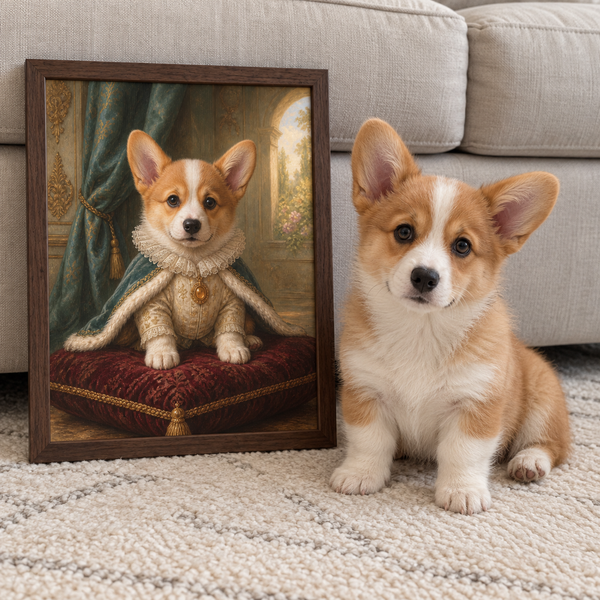
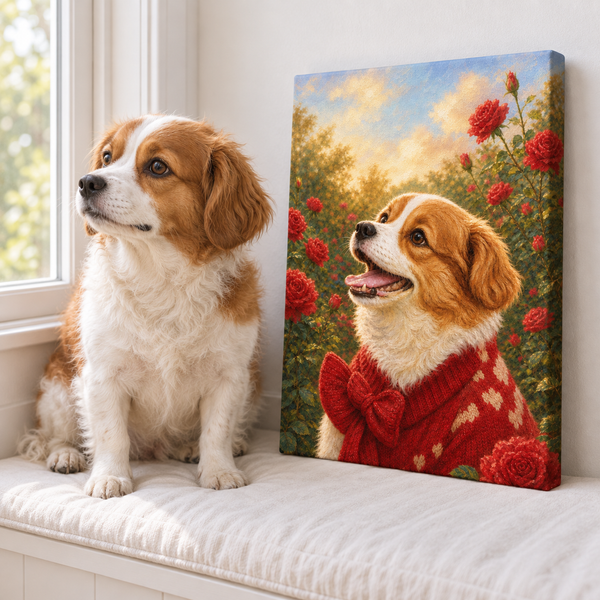
For a possible portrait, Pawfolio's photo reference tips explain what makes a useful source image. Save a suitable original before preparing a smaller sharing copy. A portrait, printed photograph, or finished book can be meaningful, but it serves a different purpose from retaining the digital source.
If part of your collection still exists only on paper, scanning old pet photos is another project. Include the resulting files in your backup plan once they are created, while continuing to care for the physical originals.
Give yourself a clear handover decision
Before retiring the old phone, review the evidence you gathered. You should know where the source collection lives, where another recoverable copy is kept, and how to open an important image without relying on the old device. Also check that recent photographs are included; a successful test of last year's files does not answer that question.
Use a short handover note:
- Collection included: the pets, years, and file types you intended to keep.
- Copy locations: where you can retrieve the files and which service or device is involved.
- Retrieval checked: what you opened and the date of the check.
- Outstanding gaps: anything missing, unreadable, or still awaiting transfer.
If a gap remains, postpone the irreversible part of the handover until it is resolved. Follow the device maker's own instructions when you eventually prepare the old phone for transfer; photo preservation is only one part of that process.
Choose a future check you will actually remember, such as after a large batch of new photos or another device change. Once the copies are in place, you can return to enjoying the pictures, perhaps through a few pet scrapbook ideas. The useful finish is confidence based on a retrieval you performed, with the remaining limits clearly understood.